
How to Automatically Change Lock & Home Screen Wallpapers on Android
Set up custom wallpaper playlists that rotate automatically on schedules or screen-unlock triggers without draining your Android phone's battery.
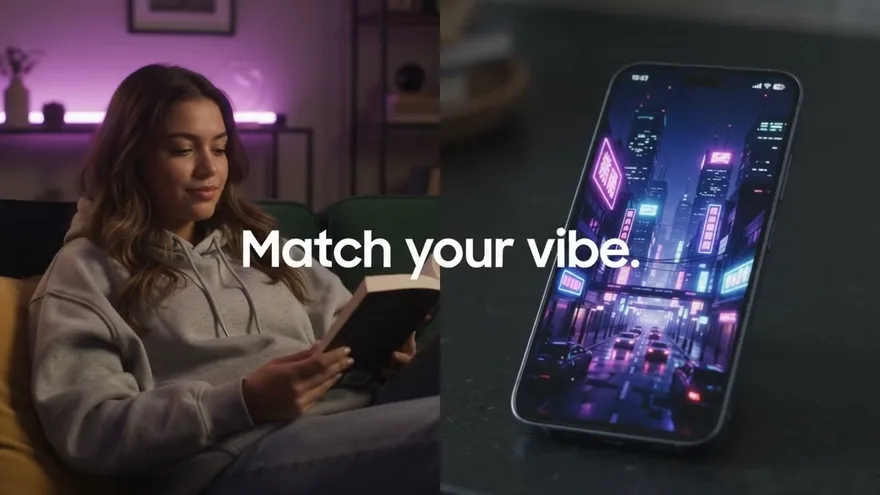
Most Android phones store hundreds of incredible travel photos, AMOLED artworks, and curated backgrounds that sit forgotten in folders while you stare at the same default wallpaper for months.
With Wallpaper Rotator: Auto Change, you can turn any folder on your phone into a dynamic, zero-drain wallpaper playlist for your home screen, lock screen, or both.
Choosing the Best Rotation Trigger for Your Routine
Depending on how often you unlock your phone, three setups work particularly well:
- Every Unlock / Lock Event: Fresh artwork greets you every time you pick up your phone—ideal for curated lock screen photography collections.
- Timed Intervals (30 Min / 1 Hour / 6 Hours): Shifts your phone’s mood from morning minimalism to vibrant afternoon art and dark AMOLED palettes at night.
- Daily Midnight Refresh: Wake up to a brand-new home and lock screen every single morning with virtually zero background wakeups.
Quick 60-Second Setup Guide
- Install Wallpaper Rotator from Google Play.
- Create or select a local album/folder containing vertical high-resolution wallpapers (
1080×2400or higher looks sharpest on modern 20:9 displays). - Choose your target surface: Home Screen, Lock Screen, or Both.
- Pick Sequential or Shuffle order and select your schedule or unlock trigger.
Keep Schedules Reliable on One UI, HyperOS & OxygenOS
Modern Android skins sometimes put background utilities into deep sleep after a few days. To make sure your rotation never skips a beat:
- Open Android Settings → Apps → Wallpaper Rotator → Battery.
- Select Unrestricted (or disable Pause app activity if unused).
Because Wallpaper Rotator only runs for a fraction of a second during an actual swap, allowing unrestricted scheduling keeps transitions punctual while using less than 0.1% daily battery.
Wallpaper Rotator: Auto Change
Keep your phone feeling fresh every day with WorkManager zero-battery static folder playlists, independent lock/home screen rules, and hardware-accelerated MP4 Video Live Wallpapers.
Frequently Asked Questions
Will rotating wallpapers every hour drain my battery? +
Not with static scheduled swaps. Unlike live video wallpapers that run a GPU loop every time you view your home screen, Wallpaper Rotator wakes briefly to swap the system bitmap and sleeps with zero ongoing CPU/GPU draw.
Why did my wallpaper schedule pause on Samsung or Xiaomi? +
Aggressive OEM battery savers can restrict background timers. Setting Wallpaper Rotator to 'Unrestricted' under App Info → Battery ensures schedules fire reliably.
More Android Guides
All Articles →AI Video Camera Movement Prompts Guide: Dolly, Pan, Orbit & FPV Verbs That Actually Work
Master the exact cinematography terms—gimbal dolly push-in, 180-degree orbit, low-angle chase rig, crane reveal, and handheld 35mm drift—that unlock pro AI videos on Android.
AI Video TutorialsHow to Animate Any Still Portrait into a Cinematic Video Reel on Android
Step-by-step workflow to turn a static portrait, fashion shot, or AI artwork into a smooth 9:16 video clip with natural camera motion and breeze physics using VibeAI.
Google Pixel GuidesHow to Automatically Change Wallpapers on Google Pixel from a Local Folder
Google Pixel's built-in Wallpaper & Style app only rotates curated Google collections once a day. Here is how to auto-rotate your own offline local folders or MP4 videos on Pixel 6, 7, 8, 9 & 10.