
How to Store Loyalty Barcodes & Scan Wi-Fi QR Codes Offline Without Bloatware
Ditch bulky plastic store cards and slow ad-riddled scanners—learn how to keep membership barcodes, Wi-Fi QR codes, and custom codes offline on Android.
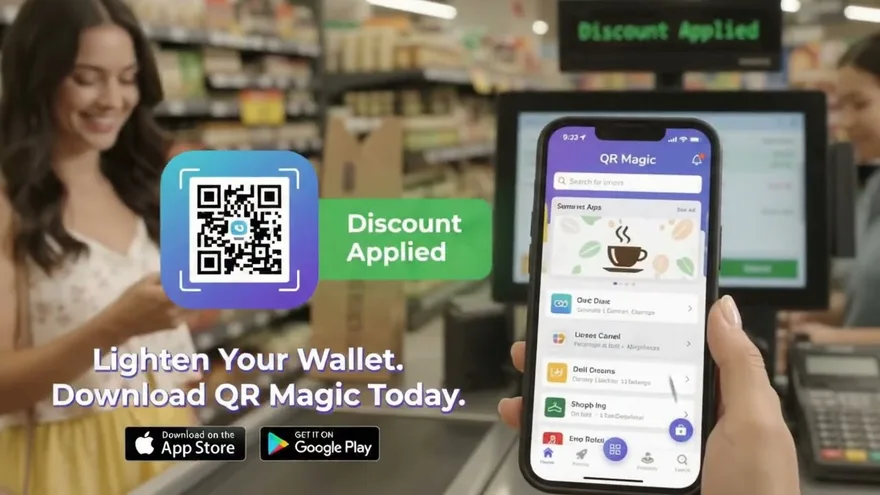
Between restaurant menus, Wi-Fi routers, parcel return labels, and a wallet stuffed with plastic supermarket and gym cards, barcodes are part of almost every errand. Yet many third-party scanner apps on Android require heavy permissions, take seconds to initialize the camera, or demand an internet connection just to generate a code.
Here is how to streamline scanning and slim down your physical wallet using QR Magic: QR Barcode & Wallet.
1. Turn Plastic Loyalty Cards into an Offline Checkout Wallet
Instead of carrying ten plastic keytags for pharmacies, grocery stores, and fitness clubs:
- Open QR Magic and scan the barcode on the back of your physical card (
EAN-13,UPC-A,Code 128,QR, orPDF417). - Label the card clearly (for example, Gym Membership or Grocery Rewards).
- At checkout—even in underground stores with zero cell reception—open your saved wallet pass for instant offline scanning.
2. Share Home or Guest Wi-Fi Without Dictating 20-Character Passwords
Whenever friends or family visit, nobody enjoys reading mixed-case router passwords aloud:
- Open the Generator tab in QR Magic, select Wi-Fi, and enter your network name (
SSID), security type (WPA/WPA2/WPA3), and password once. - Save or display the generated QR code—guests simply point their camera to join in two seconds, and your code is generated 100% locally on your phone.
3. Decode QR Codes Straight from Screenshots
Received an event ticket or payment QR code inside an email or chat message on the same phone you’re holding? You don’t need a second device—tap Scan from Gallery in QR Magic to read any screenshot directly from storage.
QR Magic: QR Barcode & Wallet
Scan Wi-Fi, URLs, and product barcodes instantaneously, generate custom branded QR codes offline, and store loyalty/membership barcodes in one clean wallet.
Frequently Asked Questions
Do supermarket and gym scanners read barcodes from phone screens reliably? +
Yes—modern optical/2D checkout scanners read phone displays effortlessly. QR Magic renders crisp high-contrast barcodes so laser and camera terminals scan them on the first pass.
Why should I preview QR URLs before opening them? +
Public QR stickers on parking meters or tables can sometimes mask shortened phishing links. Previewing the target domain before launching your browser keeps you protected.
More Android Guides
All Articles →AI Video Camera Movement Prompts Guide: Dolly, Pan, Orbit & FPV Verbs That Actually Work
Master the exact cinematography terms—gimbal dolly push-in, 180-degree orbit, low-angle chase rig, crane reveal, and handheld 35mm drift—that unlock pro AI videos on Android.
AI Video TutorialsHow to Animate Any Still Portrait into a Cinematic Video Reel on Android
Step-by-step workflow to turn a static portrait, fashion shot, or AI artwork into a smooth 9:16 video clip with natural camera motion and breeze physics using VibeAI.
Google Pixel GuidesHow to Automatically Change Wallpapers on Google Pixel from a Local Folder
Google Pixel's built-in Wallpaper & Style app only rotates curated Google collections once a day. Here is how to auto-rotate your own offline local folders or MP4 videos on Pixel 6, 7, 8, 9 & 10.